
Over Allocated
You are Over Allocated when you have given your pouches more money than you expect to make in a month. Your Income Splitter River is trying to send out more than comes in.
Roo shows this in red at the top of your Income Splitter River screen, so it is easy to spot. Your goal is to get back to $0 unallocated, where every dollar has a job and your plan matches your income.
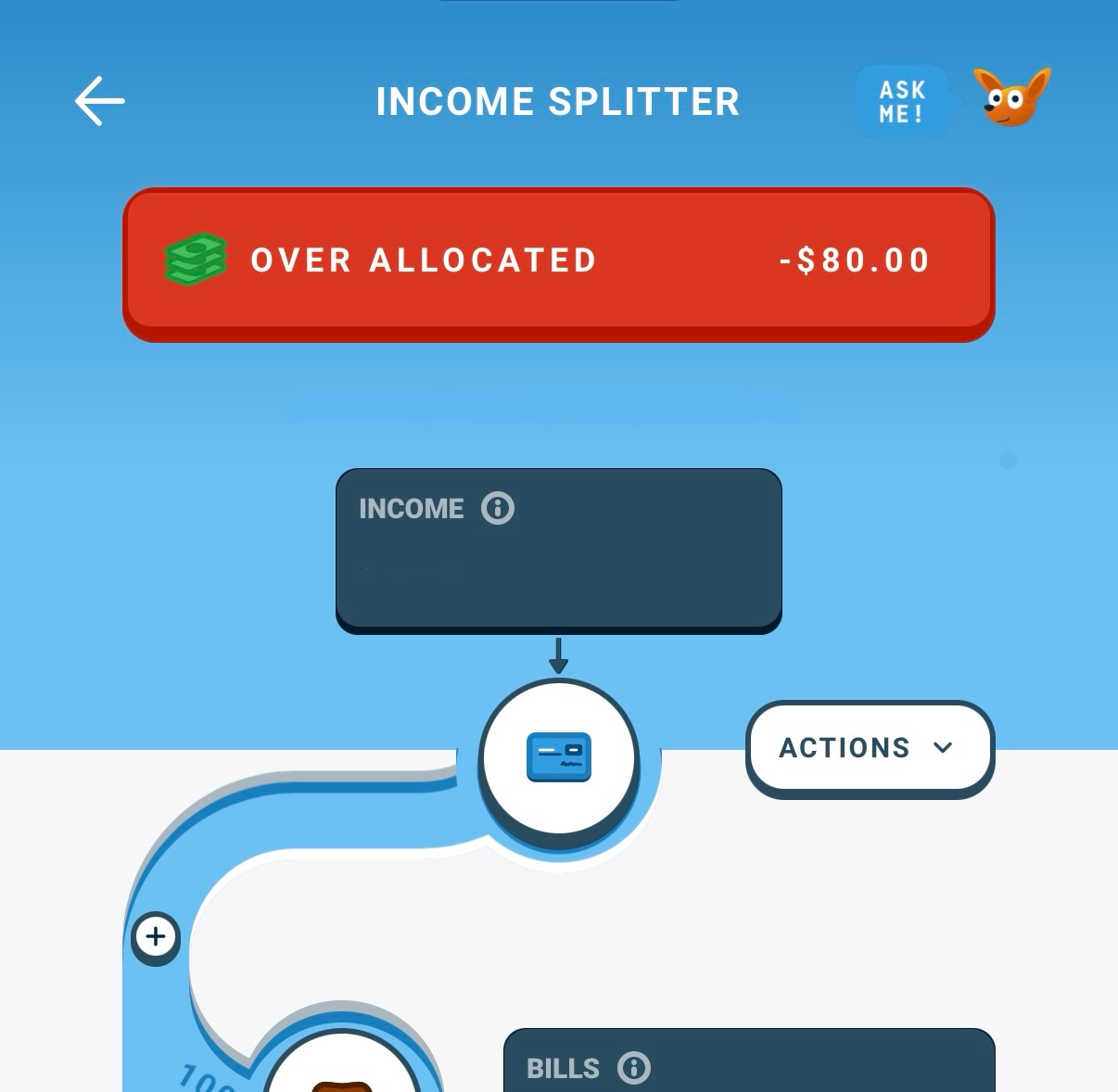
Steps to fix it:
- Check that your expected income is correct. If it is set too low, your plan can look over allocated when it is not.
- Look at your Bills pouch. Make sure there are no duplicate bills or old subscriptions you no longer use.
- Look at your Goals/Other pouches. Lower the amount going to any of them if you need to.
- Look at your Reservoir pouches, like the Living Pouch. Lower them if you have room.
- If you are still over allocated, look for ways to spend less or earn more.
Sometimes being over allocated is on purpose. If you plan to spend more than you make this month, you can lean on savings you built up in earlier months to cover the difference. How to fund from a pouch