
Manual Accounts
A manual account is an account you add to Roo yourself, instead of connecting it to your bank through a bank aggregator.
You can add any kind of account this way. The catch is that you have to type in every transaction yourself, and that takes a lot of time. So a manual account is not a good choice for an account you use often.
Most people pair a manual loan with a Debt Payback Plan to pay the balance down.
How to add a manual account
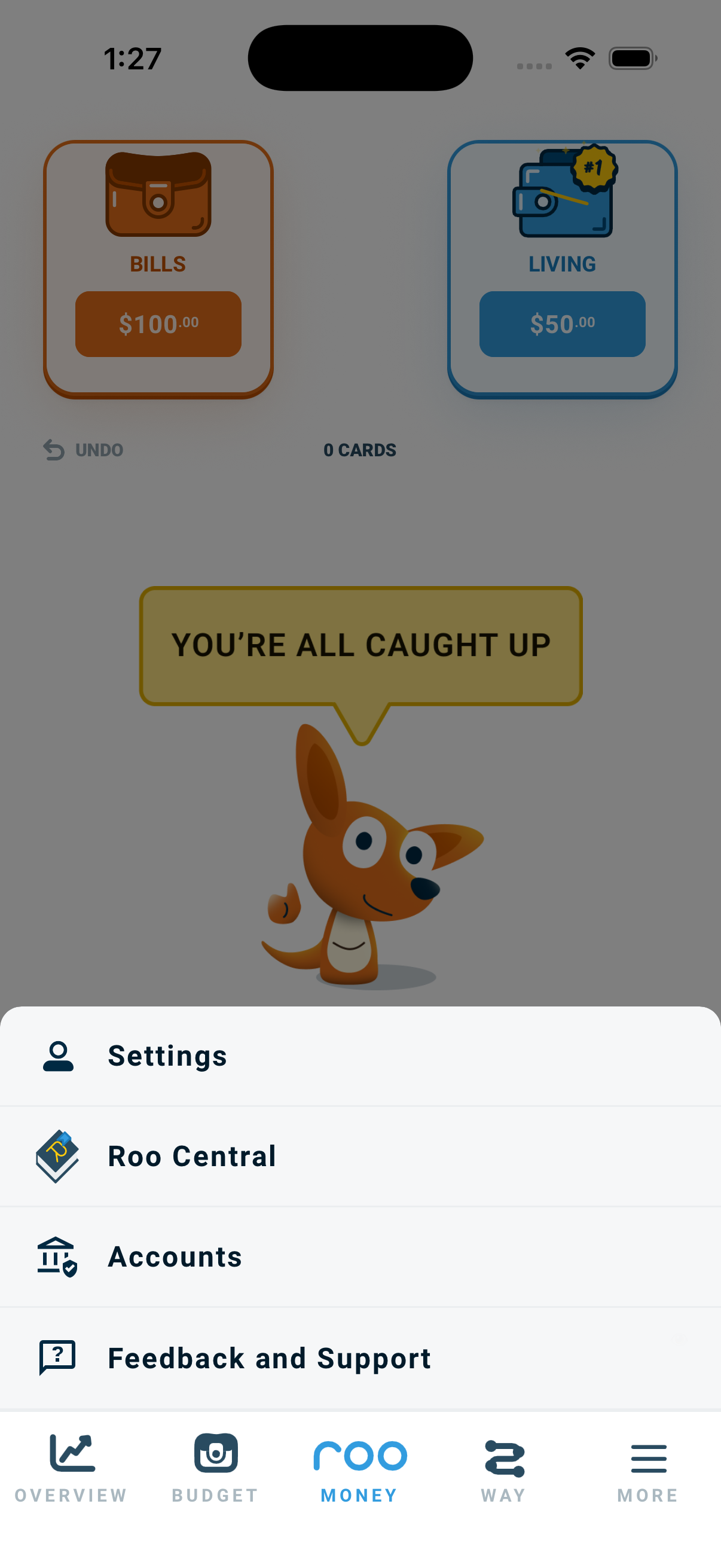
- Click the Menu and select Accounts.
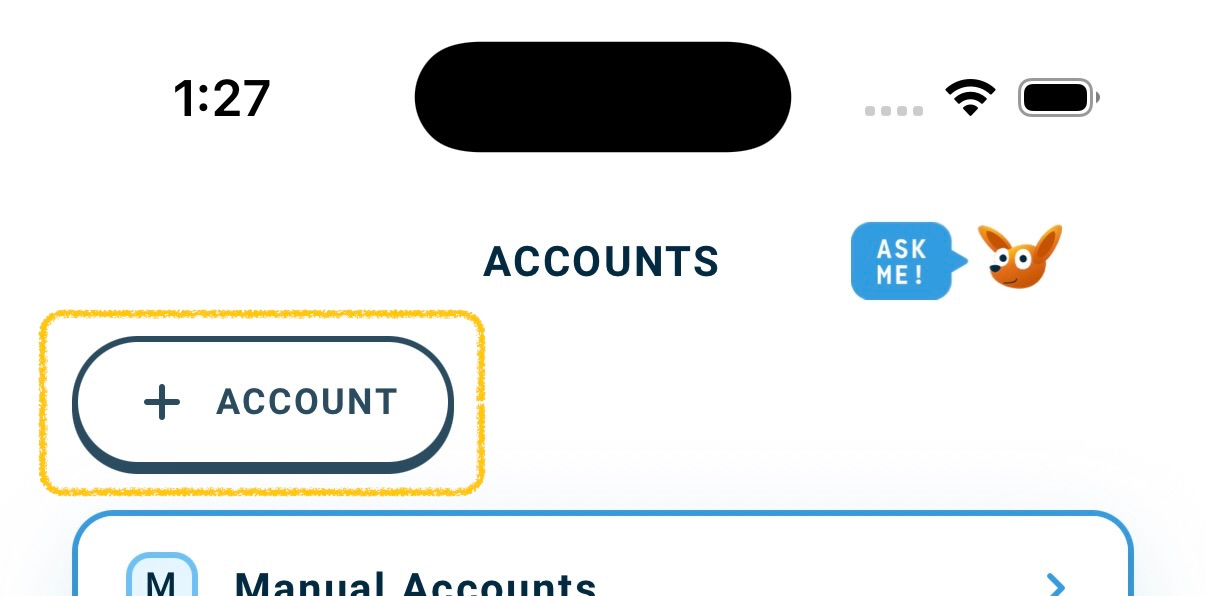
- Tap the + Account button in the top left.
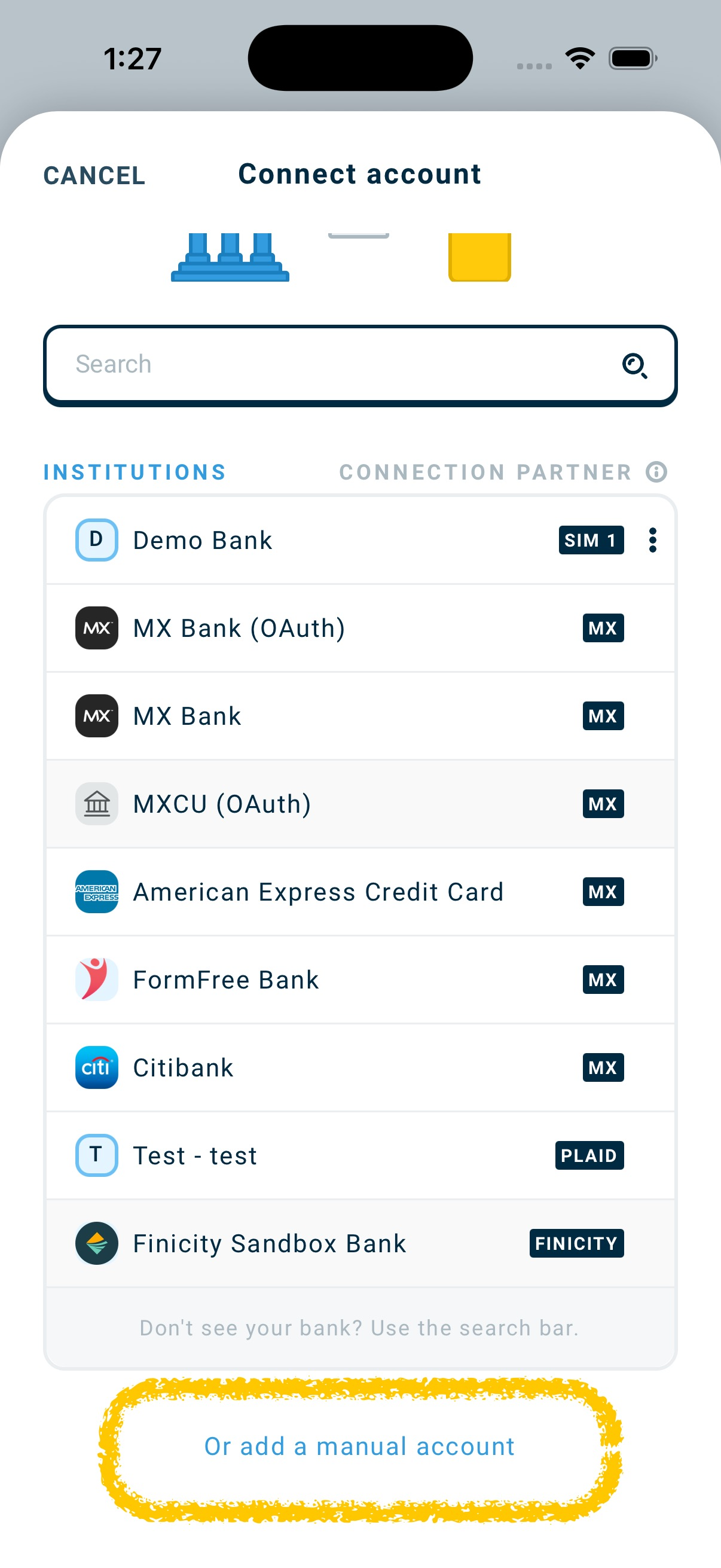
- Scroll to the bottom of the bank list and tap Or add a manual account. The Add Manual Account window opens.
- Type the Account Name.
- Pick the Account Type from the list.
- Enter the Starting Balance. Tap the sign button in front of the amount to switch it between plus and minus. Use minus for money you owe, like a loan. Use plus for money you have.
- Tap Create.
- Add as many accounts as you want, then tap Continue.
- On the Confirm account types screen, check that every account has the right type. Tap Continue.
- Assign the balance of any positive On Budget accounts to the pouches they should fund.
- Tap Continue to finalize the new account(s).
Common examples
- Student loans: are often set up as manual accounts. Government rules often stop loan companies from sharing their data, so Roo cannot connect to them.
- Grandma loans: money you borrowed from family or friends that you are paying back.
- Cash savings: a great way to bring cash into your budget so all your money counts.